Account and BillingPlans with multiple locations (location limits and add-on pricing vary by plan)
Add a location
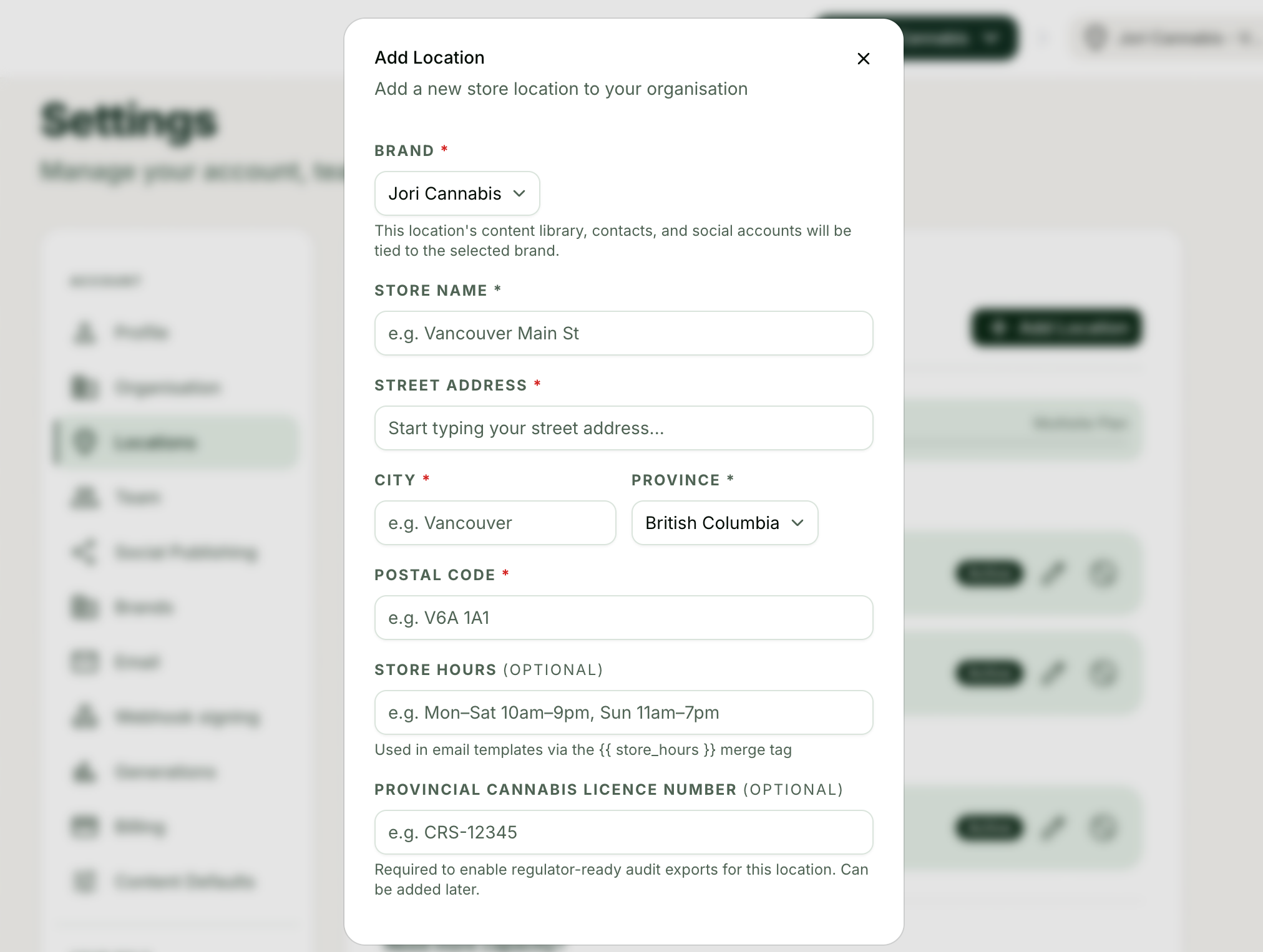
Add another store to your account as a paid add-on, with its own address, social accounts, and bonus generations.
1
Open Settings, then the Locations tab.
2
Add the new location with its address details.
3
Connect the new store's social accounts under Settings, Social Publishing for that location.
4
Start scoping content, contacts, and analytics to the new store with the top bar selector.
Tips and good to know
lightbulb
Included locations by plan: Micro 1, Standard 3, Multi Site 6, National 15. Beyond those, extra locations are a monthly add-on: Micro $69, Standard $79, Multi Site $99, National $99, and each extra location adds bonus generations to your allowance. [NEEDS INFO: the bonus generation amount per extra location, per plan]
lightbulb
If you are adding several locations, compare the add-on cost against the next plan tier; the upgrade can be the better deal.
Common questions
Did this answer your question?
Contact supportarrow_forward