Social PublishingAll plans (trial is limited to Facebook and Instagram, 1 profile)
Connect your social accounts
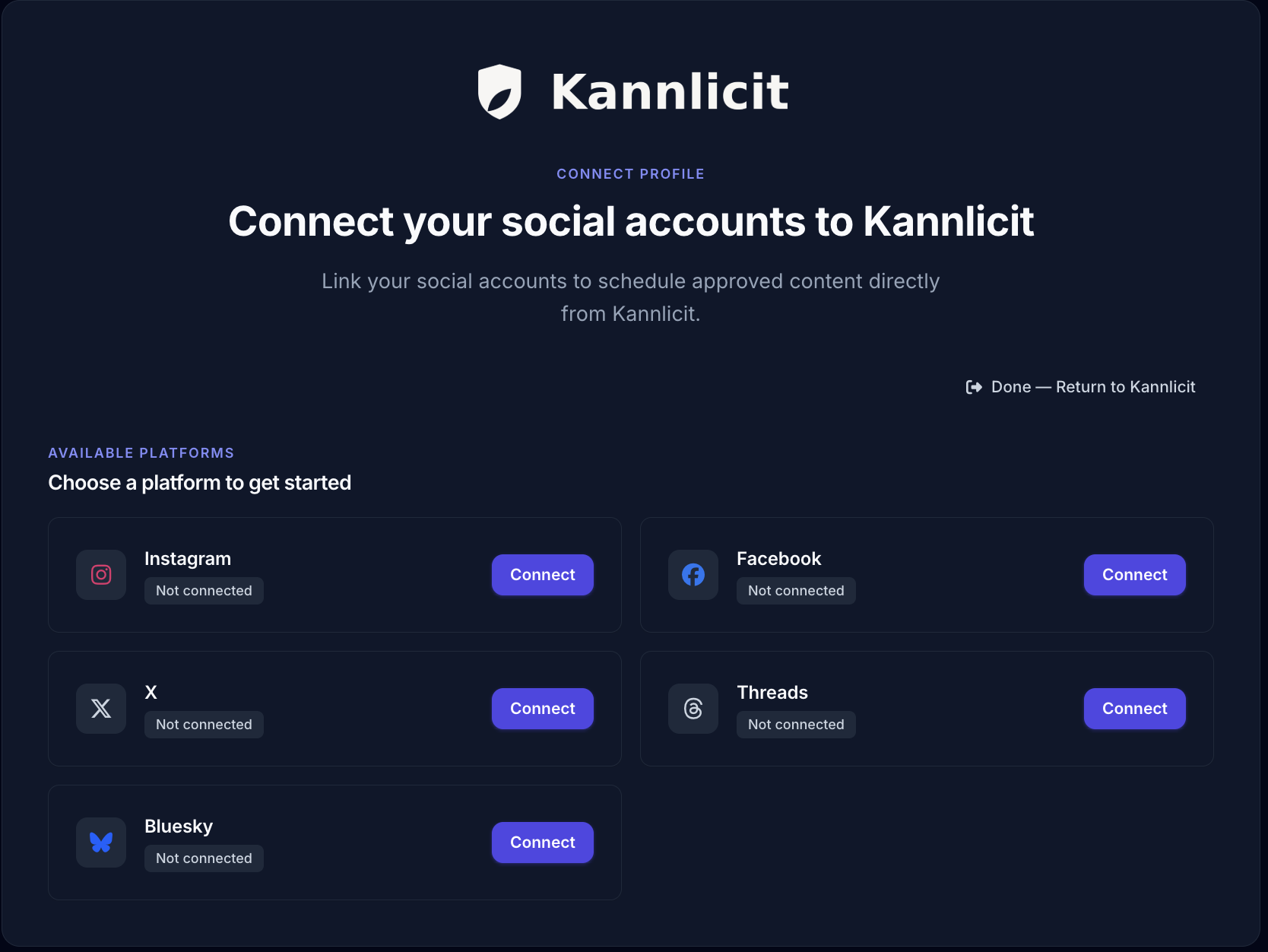
Authorize your Instagram, Facebook, Threads, X, or Bluesky accounts so Kannlicit can post and schedule for you.
One-time setup, per location.
Before you start
Have login access to the social accounts you are connecting. In multi-location accounts, know which store you are connecting, because accounts connect per location.
1
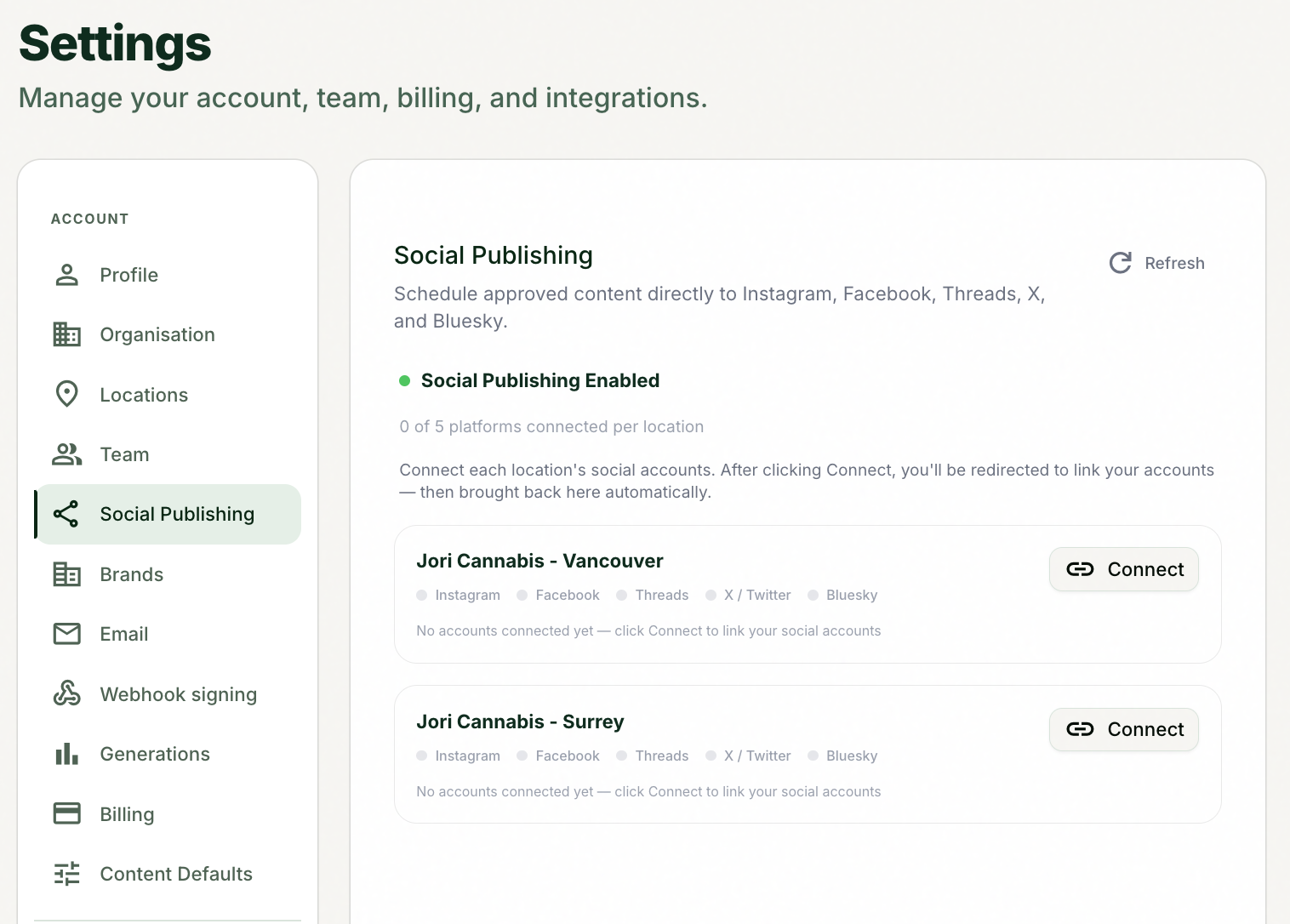
Open Settings from the account menu.
2
Open the Social Publishing tab.
3
If you have multiple locations, select Connect for the location you are connecting accounts for.
Each store authorizes its own accounts.
4
Choose a platform (Instagram, Facebook, Threads, X, or Bluesky) and authorize it by signing in.
5
Repeat for each platform and each location you post from.
Tips and good to know
lightbulb
Accounts connect per location, so a three-store chain connects each store's Instagram separately. That is what makes location-correct posting possible later.
lightbulb
On the free trial you can connect 1 social profile, Facebook and Instagram only. Paid plans unlock all five platforms.
lightbulb
If you ever click Post to a platform you have not connected, Kannlicit shows "Connect {platform} first" and sends you here.