Getting StartedFree Trial
Understand your free trial
Know exactly what the 14-day free trial includes so you can evaluate Kannlicit without surprises.
1
Start your trial by completing account setup. No credit card is required.
2
Use your 50 included generations. A generation is one run of Kannlicit's AI, so both creating content and running compliance checks draw from the same 50.
3
Explore everything included: the generators, the Compliance Checker, the Planner, the Idea Library, the Content Library, the Image Designer, and the Content Calendar.
4
Try email and social with trial limits: 25 email sends, 25 contacts, and 1 social profile (Facebook and Instagram only).
5
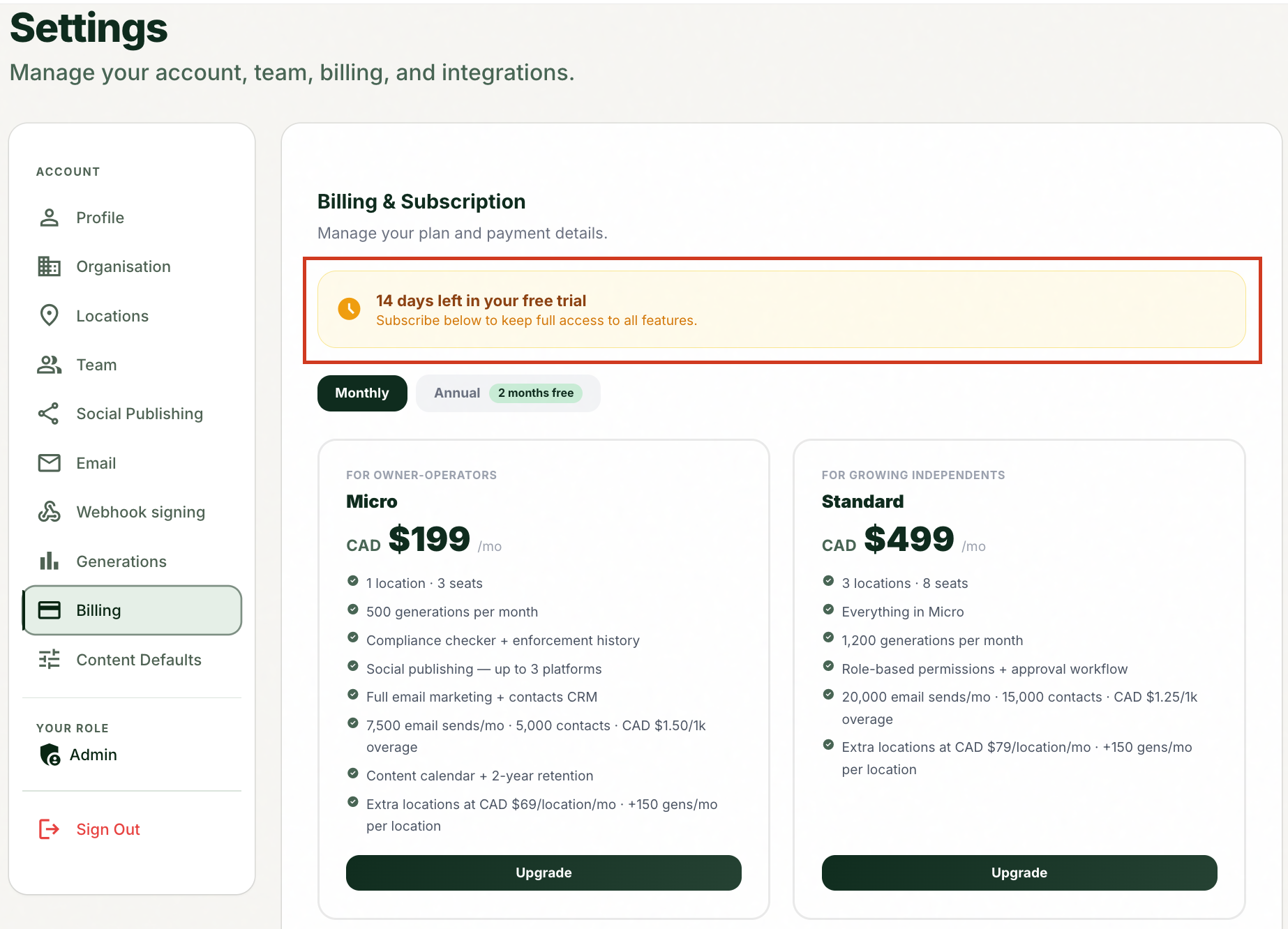
Watch the countdown that shows when your trial ends, and upgrade any time to keep access and raise your limits.
image
Upgrading mid-trial keeps everything you have created.
Tips and good to know
lightbulb
Generating content includes its built-in compliance check in the same generation (one, not two). Standalone checks in the Compliance Checker use one generation per Check for Concerns run.
lightbulb
The free public scanner on the Kannlicit website never uses generations, so it is a no-cost way to try the compliance engine before and during your trial.
lightbulb
Trial social publishing is limited to Facebook and Instagram. Paid plans unlock all five platforms (Facebook, Instagram, Threads, X, Bluesky).
lightbulb
Upgrading during the trial does not reset or lose anything; it keeps your access and raises limits.
Common questions
Did this answer your question?
Contact supportarrow_forward