Create your account and complete the 5-step setup so Kannlicit is configured for your store, chain, or company.
Setup starts with a quick legal age confirmation.
Before you start
Have your store address handy, and know which business type fits you (see "Single store, multiple locations, or multiple brands?").
1
Click Start Free Trial anywhere on the Kannlicit website. Your account is created on the spot, no credit card needed, and your 14-day free trial starts right away.
2
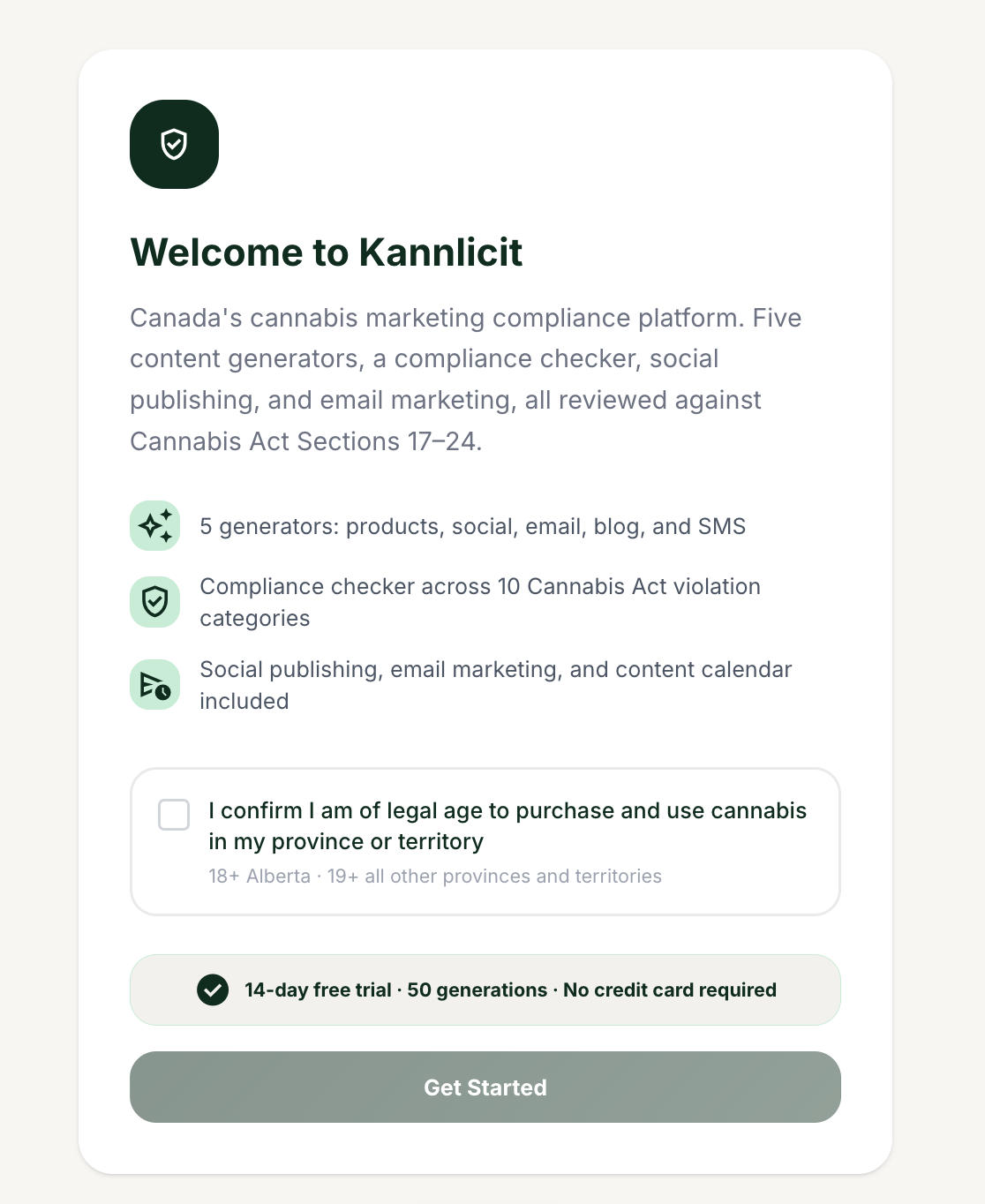
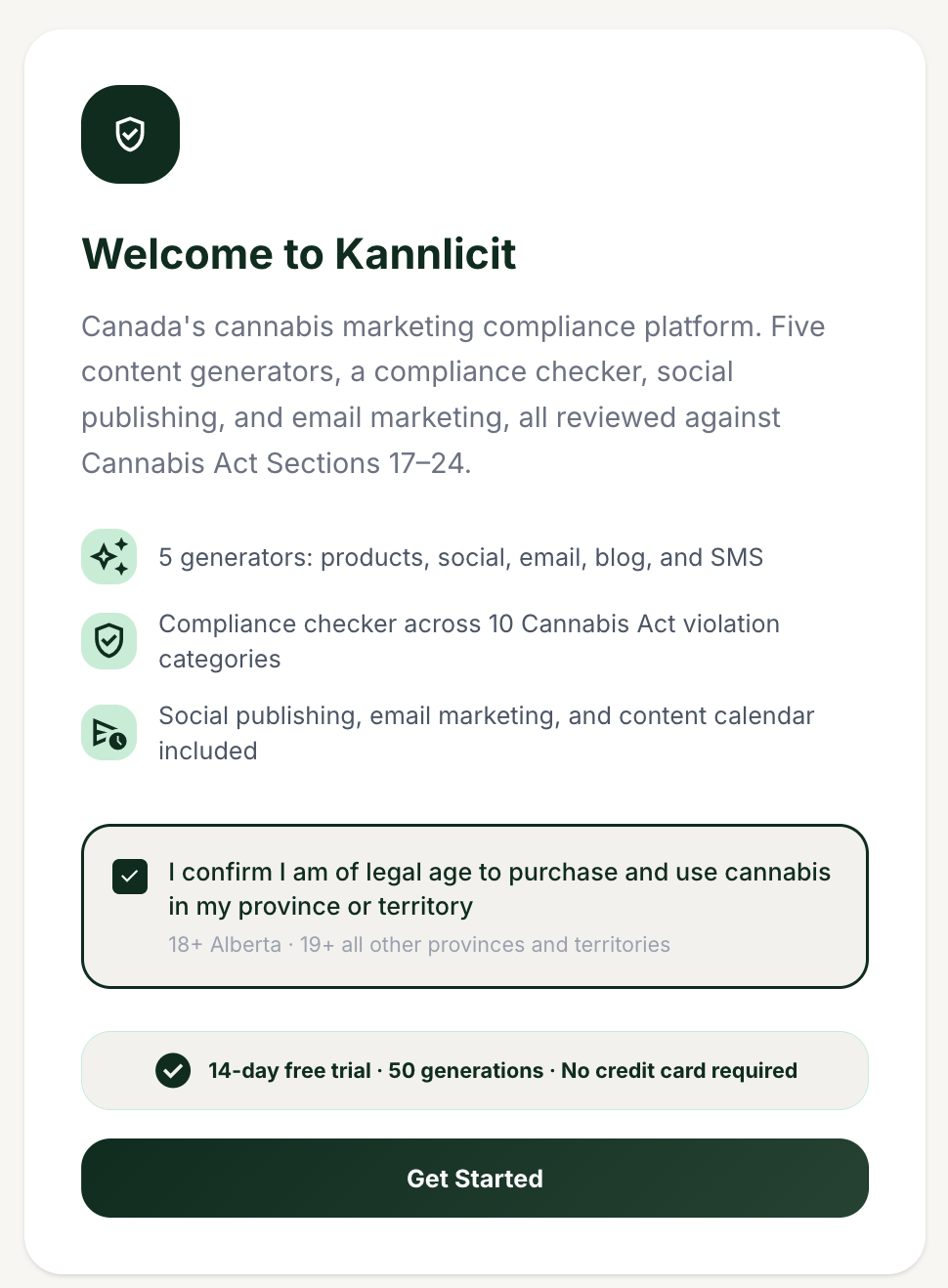
On the "Welcome to Kannlicit" screen, check "I confirm I am of legal age to purchase and use cannabis in my province or territory," then continue.
Confirm your legal age to continue.
3
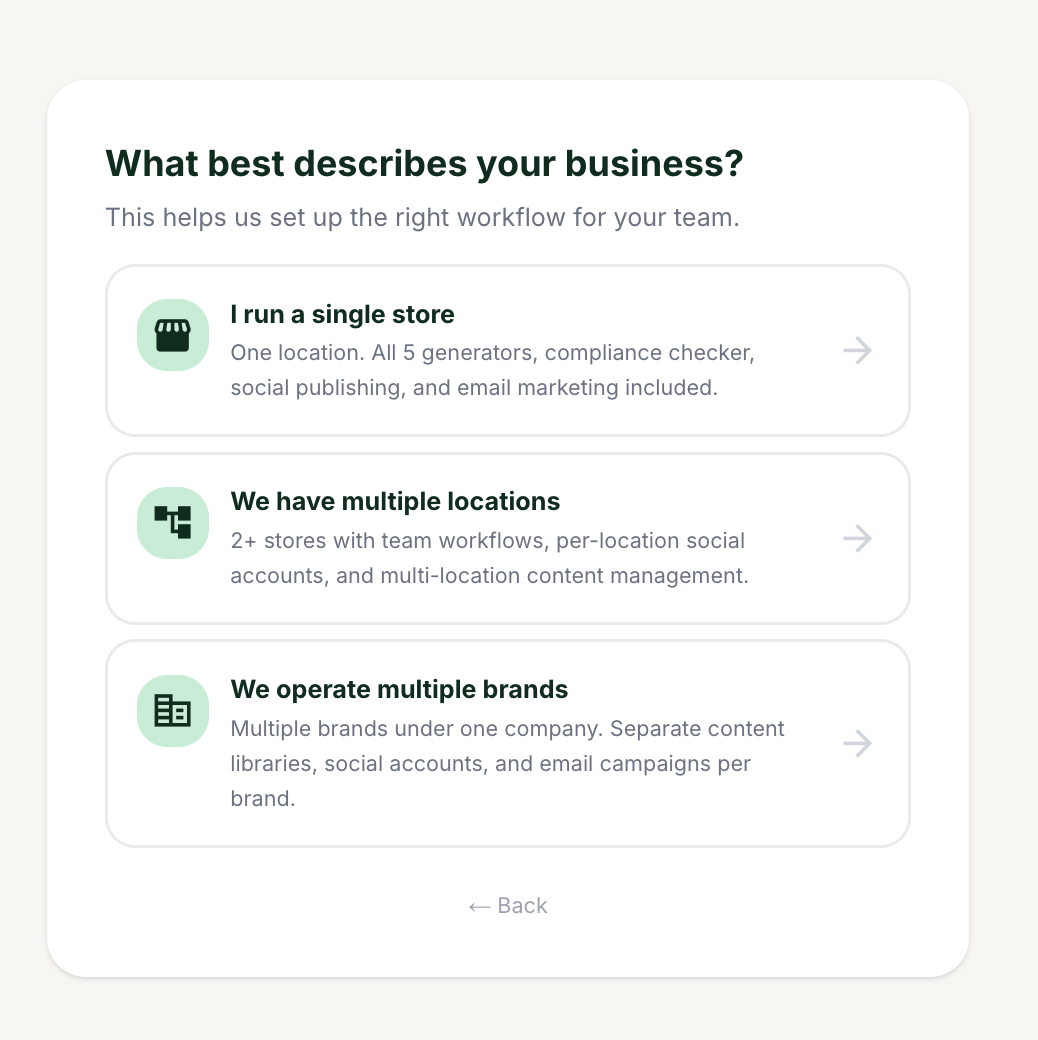
On "What best describes your business?", choose "I run a single store," "We have multiple locations," or "We operate multiple brands."
Your choice sets up the right navigation for your account.
4
Name your account. The heading reads "Name your store" (single store), "Name your organisation" (multiple locations), or "Name your company" (multiple brands).
5
If you chose multiple brands, complete the extra "Name your first brand" step.
6
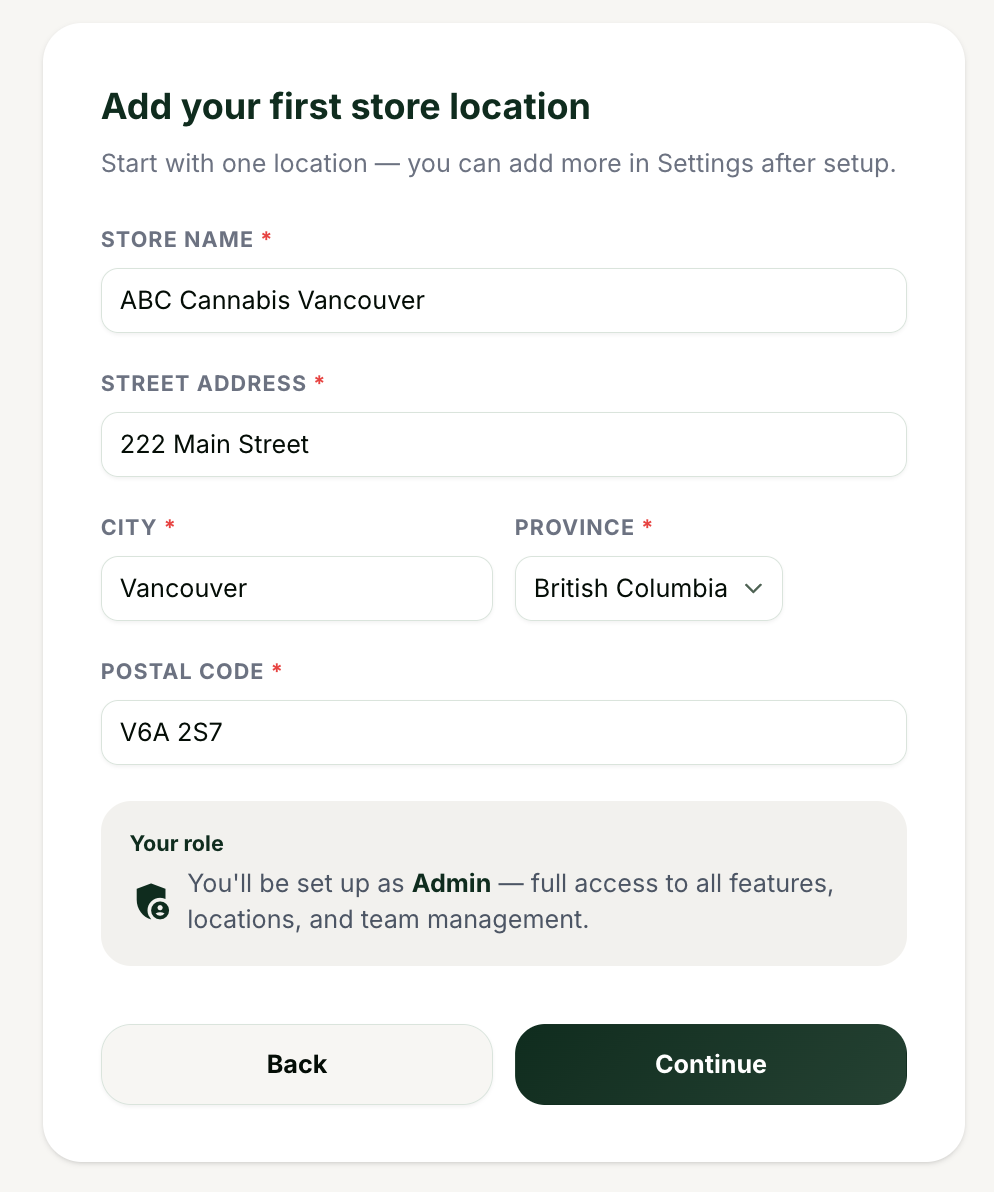
Add your location. You will see "Add your first store location" (chains and multi-brand) or "Confirm your store details" (single store). Enter the street address, city, province, and postal code.
You can update this anytime in Settings.
7
Optionally, invite your team on the "Invite your team" step: enter each teammate's email and choose a role (Admin or Location Manager).
8
On the success screen ("[Your org] is ready to go."), choose whether to generate your first piece of content, invite your team, or upgrade.
Tips and good to know
lightbulb
Quebec is not available as a province option. Kannlicit covers all Canadian provinces and territories except Quebec, and there is no French content.
lightbulb
Your business type choice shapes the app (selectors, settings tabs, and add-ons), so pick the one that matches how you operate today. You can add locations later.
lightbulb
Everything you enter here can be changed later in Settings.